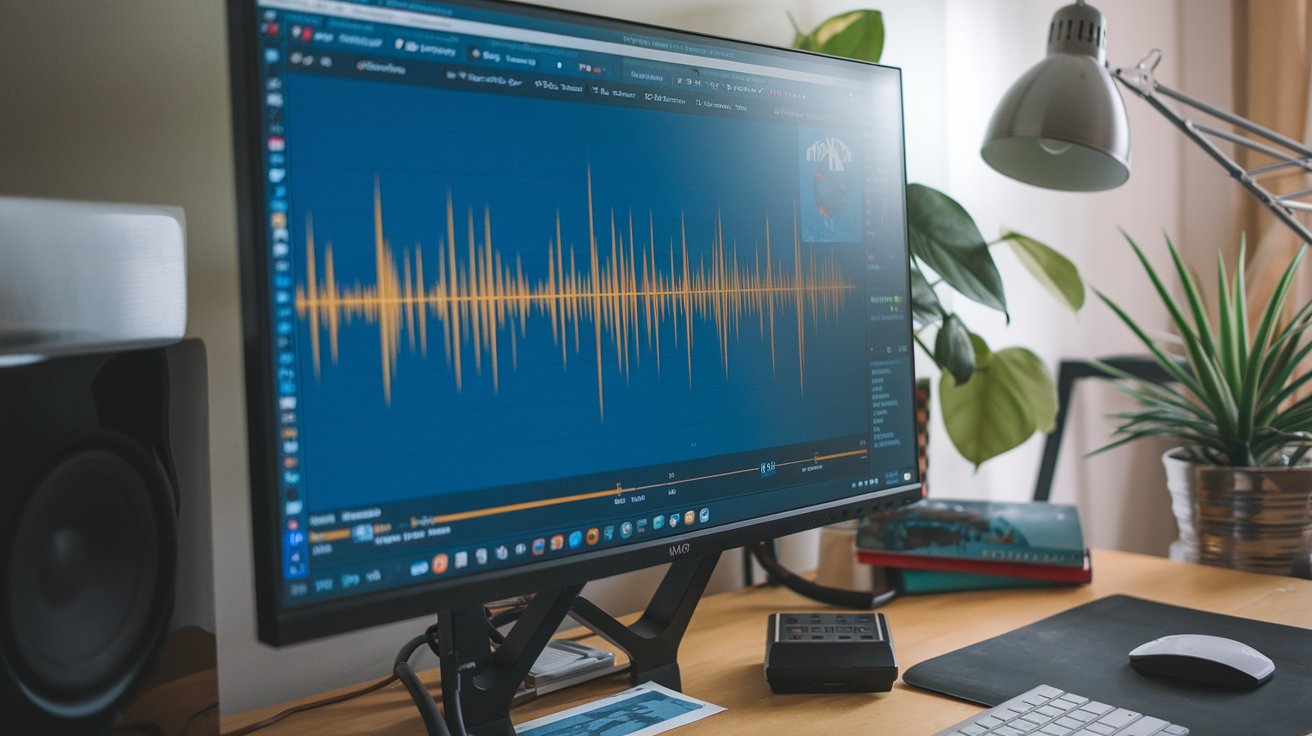
AIFF (Audio Interchange File Format) is a high-quality uncompressed audio format developed by Apple in 1988. Unlike compressed formats like MP3, AIFF audio preserves every detail of the original recording, making it the preferred choice for professional audio production, music creation, and archival purposes in 2025.
Understanding AIFF Audio Format
The AIFF audio format stands for Audio Interchange File Format and represents one of the most reliable uncompressed audio standards available today. Developed by Apple Computer, this format stores audio data without any compression, ensuring that every nuance of the original recording remains intact. Unlike lossy formats that sacrifice quality for smaller file sizes, AIFF maintains pristine audio quality identical to the source material.
AIFF files typically use the .aiff or .aif file extension and can store audio at various sample rates and bit depths. The most common configuration is 44.1 kHz sample rate with 16-bit depth, which matches CD quality standards. However, professional applications often utilize higher specifications like 96 kHz/24-bit or even 192 kHz/32-bit for superior audio fidelity. This flexibility makes AIFF audio suitable for both consumer and professional applications across the United States market.
AIFF vs WAV: Key Differences Explained
When comparing AIFF vs WAV formats, both are uncompressed audio containers that deliver identical sound quality. However, several technical differences distinguish these formats in practical applications. WAV (Waveform Audio File Format) was developed by Microsoft and IBM, while AIFF originated from Apple, creating platform-specific advantages for each format.
Compatibility and Platform Support
WAV files enjoy broader compatibility across Windows systems and PC-based audio software, while AIFF audio performs optimally on macOS and iOS devices. In 2025, most professional audio applications support both formats equally, but native platform integration remains a deciding factor. Apple devices automatically recognize and process AIFF files more efficiently, resulting in better performance and reduced system resource usage on iPhones, iPads, and Mac computers.
Metadata and File Structure
AIFF files utilize a chunk-based structure similar to WAV but with different metadata handling capabilities. AIFF audio supports more comprehensive metadata including detailed track information, album artwork, and extensive tagging options. This makes AIFF particularly valuable for music libraries and professional audio catalogs where detailed file information is essential for organization and workflow efficiency.
What is AIFF Audio Used For in 2025
Professional audio production studios across the United States rely heavily on AIFF audio for recording, mixing, and mastering applications. Music producers prefer this format because it preserves the full dynamic range and frequency response of original recordings, enabling precise editing and processing without quality degradation. Major recording studios in Los Angeles, Nashville, and New York consistently choose AIFF for archival purposes due to its long-term stability and cross-platform compatibility.
Beyond professional applications, AIFF audio serves audiophiles and music enthusiasts who demand the highest possible sound quality for their personal collections. Streaming services and digital music platforms increasingly offer AIFF downloads as premium options, responding to growing consumer demand for lossless audio formats. The format’s integration with Apple’s ecosystem makes it particularly popular among iPhone and Mac users seeking superior audio quality for their digital music libraries.
AIFF Audio Quality and Technical Specifications
The quality of AIFF audio depends entirely on the source material and recording parameters used during creation. Standard AIFF files at 44.1 kHz/16-bit deliver CD-quality audio with a frequency response extending up to 22 kHz and a dynamic range of approximately 96 dB. Professional AIFF recordings at 96 kHz/24-bit offer extended frequency response up to 48 kHz and dynamic range exceeding 144 dB, providing exceptional clarity and detail.
File size represents the primary trade-off when using AIFF audio format. A typical 3-minute song in AIFF format consumes approximately 30-35 MB of storage space, compared to 3-4 MB for MP3 at 320 kbps. However, storage costs have decreased significantly in 2025, making the quality benefits of AIFF increasingly accessible to average consumers across the United States market.
AIFF Audio on iPhone and iOS Devices
Apple’s iOS ecosystem provides native support for AIFF audio on iPhone devices, enabling seamless playback through the built-in Music app and third-party audio applications. iPhones automatically recognize AIFF files when imported through iTunes, Apple Music, or direct file transfer methods. The device’s advanced audio processing capabilities ensure that AIFF files maintain their superior quality through both wired and wireless audio connections.
iPhone users can create AIFF audio recordings using professional audio apps like GarageBand, Voice Memos (with quality settings adjusted), and specialized recording applications. These recordings preserve the full quality capabilities of the iPhone’s sophisticated microphone array and audio processing systems. Cloud synchronization through iCloud ensures that AIFF audio collections remain accessible across all Apple devices within the same ecosystem.
AIFF vs FLAC vs MP3 Comparison
Comparing AIFF vs FLAC reveals two different approaches to high-quality audio storage. While AIFF stores audio in uncompressed form, FLAC (Free Lossless Audio Codec) uses lossless compression to achieve smaller file sizes while maintaining identical audio quality. FLAC files typically occupy 50-60% less space than equivalent AIFF files, making them attractive for large music collections with limited storage capacity.
File Size and Storage Considerations
Storage efficiency becomes crucial when managing extensive audio libraries. AIFF audio files require approximately 10 MB per minute of stereo content at CD quality, while FLAC reduces this to 4-6 MB per minute through lossless compression. MP3 files at 320 kbps consume only 2.4 MB per minute but sacrifice audio quality through lossy compression techniques that permanently discard audio information.
Processing Speed and System Resources
AIFF files offer advantages in professional audio production due to their uncompressed nature, which requires minimal processing power for playback and editing. FLAC files demand additional CPU resources for real-time decompression, potentially impacting performance on older systems or during intensive multi-track sessions. Modern computers handle this processing overhead easily, but AIFF remains preferred for time-critical applications where processing latency must be minimized.
Converting AIFF to Other Audio Formats
Converting AIFF to MP3 or other formats becomes necessary when file size constraints or compatibility requirements dictate format changes. Professional audio software like Audacity, Logic Pro, and Pro Tools provide comprehensive conversion capabilities with customizable quality settings. Online conversion services offer convenient alternatives for occasional users, though local software ensures better privacy and processing control for sensitive audio content.
When converting from AIFF to compressed formats, understanding quality loss implications helps maintain optimal results. Converting AIFF to high-bitrate MP3 (320 kbps) preserves most audible quality while achieving significant file size reduction. However, multiple format conversions should be avoided as each lossy compression step introduces additional quality degradation. Maintaining AIFF master files ensures future conversion flexibility without cumulative quality loss.
AIFF Audio Apps and Software Support
Professional digital audio workstations (DAWs) across the industry provide comprehensive AIFF audio app support for recording, editing, and mixing applications. Logic Pro X, Pro Tools, Reaper, and Studio One all handle AIFF files natively without conversion requirements. These applications leverage AIFF’s uncompressed nature for real-time editing operations, ensuring maximum quality preservation during audio manipulation and processing tasks.
Consumer audio applications have expanded AIFF support significantly in 2025, with popular media players like VLC, Foobar2000, and Audirvana providing excellent playback quality. Mobile apps for iOS and Android increasingly support AIFF playback, though iPhone apps typically offer superior AIFF integration due to Apple’s native format support. Streaming applications and cloud music services are beginning to offer AIFF options for premium subscribers seeking ultimate audio quality.
Advantages and Disadvantages of AIFF Format
The primary advantages of AIFF audio format include perfect sound quality preservation, broad professional software compatibility, and excellent archival stability. Unlike compressed formats, AIFF maintains every detail of the original recording, making it ideal for critical listening applications and professional audio work. The format’s maturity and standardization ensure long-term file accessibility and compatibility across different systems and time periods.
Disadvantages of AIFF center primarily around file size and bandwidth requirements. Large file sizes make AIFF impractical for streaming applications and mobile device storage constraints. Additionally, AIFF files lack built-in compression, making them unsuitable for internet distribution where bandwidth limitations exist. Limited metadata support compared to modern container formats may also restrict organizational capabilities in large music libraries.
Future of AIFF Audio in Digital Media
The future of AIFF audio remains strong within professional audio production and archival applications throughout 2025 and beyond. As storage costs continue declining and internet bandwidth increases across the United States, AIFF becomes increasingly viable for consumer applications. Streaming services are exploring lossless audio tiers that may incorporate AIFF for premium subscribers seeking ultimate audio quality without compromise.
Emerging technologies like spatial audio and immersive sound formats benefit from AIFF’s uncompressed foundation, providing the quality headroom necessary for advanced audio processing. Professional audio education programs increasingly emphasize AIFF as the standard for learning proper audio engineering techniques, ensuring continued relevance in the next generation of audio professionals. The format’s simplicity and reliability make it a dependable choice for long-term audio preservation projects and professional archival systems.
Related video about what is aiff audio
This video complements the article information with a practical visual demonstration.
FAQ – Common Questions
Is AIFF better quality than MP3?
Yes, AIFF delivers significantly better audio quality than MP3. AIFF is an uncompressed format that preserves 100% of the original audio data, while MP3 uses lossy compression that permanently removes audio information to reduce file size. AIFF maintains the full frequency range and dynamic range of the source material, making it ideal for professional applications and critical listening.
Are AIFF and WAV the same quality?
AIFF and WAV provide identical audio quality when using the same specifications (sample rate and bit depth). Both are uncompressed audio formats that preserve complete audio fidelity. The main differences lie in platform compatibility, metadata support, and file structure rather than sound quality. AIFF works better with Apple devices, while WAV has broader Windows compatibility.
What are the main disadvantages of AIFF files?
The primary disadvantages of AIFF include large file sizes (approximately 10 MB per minute of stereo audio), limited streaming compatibility due to bandwidth requirements, and reduced portability compared to compressed formats. AIFF files also consume more storage space and may have slower transfer times over internet connections compared to compressed alternatives like MP3 or FLAC.
Can iPhone play AIFF audio files natively?
Yes, iPhone devices provide native support for AIFF audio files through iOS. The built-in Music app and most third-party audio applications can play AIFF files directly without conversion. iPhones handle AIFF files efficiently due to Apple’s optimization for their own audio format, providing excellent playback quality and seamless integration with the iOS ecosystem.
Should I use AIFF or FLAC for my music collection?
Choose AIFF if you primarily use Apple devices and prioritize simplicity and professional compatibility. Select FLAC if storage space is limited and you need smaller file sizes while maintaining lossless quality. FLAC files are typically 40-50% smaller than AIFF while providing identical audio quality through lossless compression. Both formats preserve perfect audio fidelity compared to lossy alternatives.
How do I convert AIFF files to other formats?
Convert AIFF files using professional audio software like Audacity (free), Logic Pro, or online conversion services. Most media players and audio editors support AIFF conversion to MP3, WAV, FLAC, and other formats. When converting to lossy formats like MP3, use high bitrates (320 kbps) to maintain quality, and always keep original AIFF files as master copies for future conversions.
| Format Aspect | AIFF Details | Key Benefit |
|---|---|---|
| Audio Quality | Uncompressed, identical to source | Perfect fidelity preservation |
| File Size | ~10 MB per minute (CD quality) | No quality compromise |
| Compatibility | Native Apple support, broad professional use | Seamless iOS integration |
| Professional Use | Industry standard for recording/mixing | Zero quality loss in production |
| Storage Requirements | High capacity needed for large collections | Long-term archival stability |